Program workouts you can change
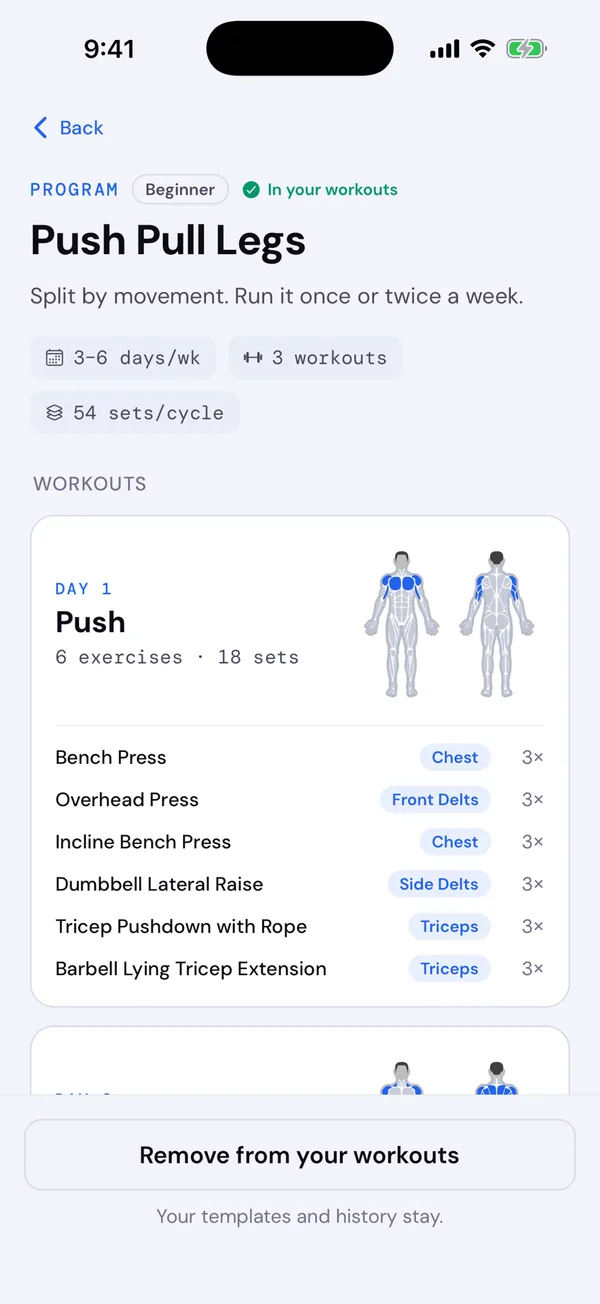
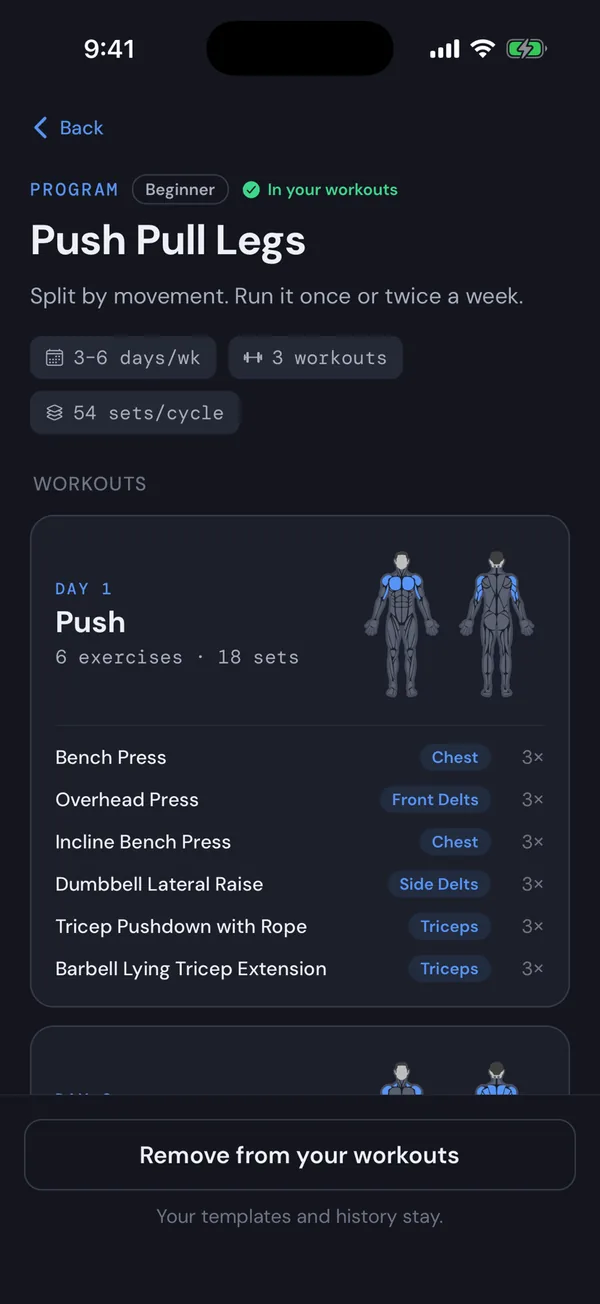
Every workout in Push Pull Legs, Upper/Lower, Strong Lifts 5×5 and PHUL can now be edited: its exercises and their order, sets, warm-ups and rests. Tap Edit on its preview, or change it during a workout and choose Overwrite this template when you finish.
Your version replaces the default everywhere and is marked Edited. Changed your mind? Reset to default brings the original back, and your history stays as it is. See Make a program workout your own.
Log it late, file it on the right day
Forgot to log a workout? Log it as usual, then open it from History, tap the pencil and change its date in Edit workout. Recovery and records follow it. See Fix a workout.
Also in this release
- The image you share shows how many sets you did of each lift next to your best one, such as
3 sets · 100 kg × 5. - Your exercise notes show in the Add exercise picker.
- “Last done” counts calendar days, so a Saturday workout reads “2 days ago” on Monday.
- Corrected demos for the preacher curls.
- Tapping Finish twice no longer saves the workout twice.
- Export and import keep custom exercises you’ve since deleted, so old workouts still show them on a new phone.