Your workouts, week by week
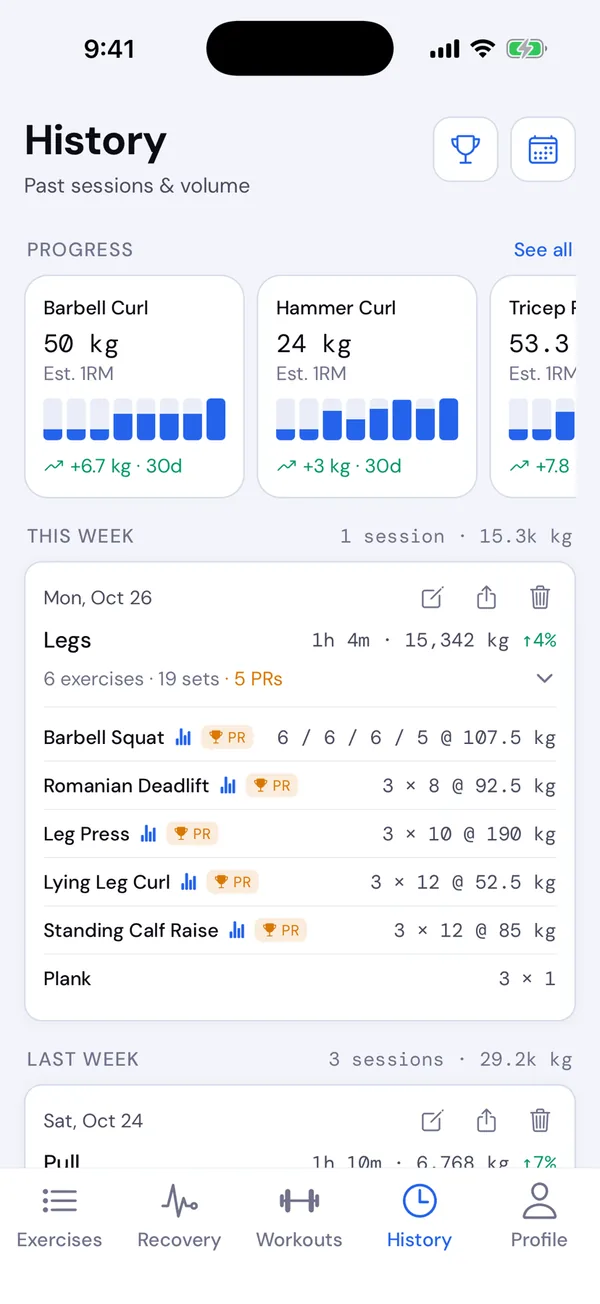
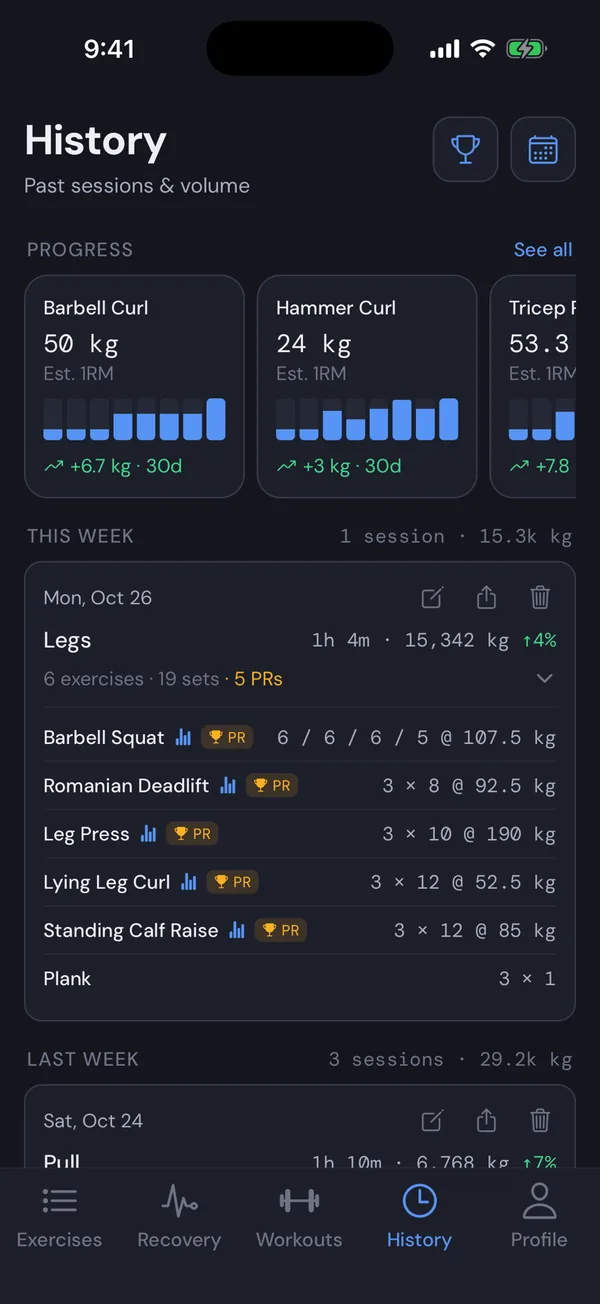
The History tab lists your finished workouts, newest first, under a header for each week with its number of workouts and total volume. Pull down to refresh.
Each card shows the date, the workout’s name, how long it took and its volume (weight × reps, added up). An arrow like ↑4% compares the volume with the last time you did the same workout. PR marks a workout where you set a personal record.
Tap a card to see every exercise and its sets, like 3 × 8 @ 135 lb. Tap a lift there to open its progress chart.
Fix a workout
Tap the pencil on a card to open Edit workout. You can change a weight or reps, add or delete sets, replace an exercise that was logged as the wrong one, add or remove exercises, and move the workout to another day. Tap Save.
Recovery, records and your previous values update to match.
Delete a workout
Tap the trash icon on a card and confirm. The workout is removed along with its effect on recovery. This can’t be undone.
Monthly calendar
The calendar button at the top of History shows a month with every training day marked. Tap a day to see its workouts.