The four programs
| Program | Days a week | Level | Workouts |
|---|---|---|---|
| Strong Lifts 5x5 | 3 | Beginner | Workout A, Workout B |
| Push Pull Legs | 3–6 | Beginner | Push, Pull, Legs |
| Upper Lower Splits | 4 | Intermediate | Upper A, Lower A, Upper B, Lower B |
| PHUL | 4 | Intermediate | Upper Power, Lower Power, Upper Hypertrophy, Lower Hypertrophy |
You follow one program at a time, or none. New installs start on Strong Lifts 5x5. The program’s workouts show under Your workouts, next to your own templates.
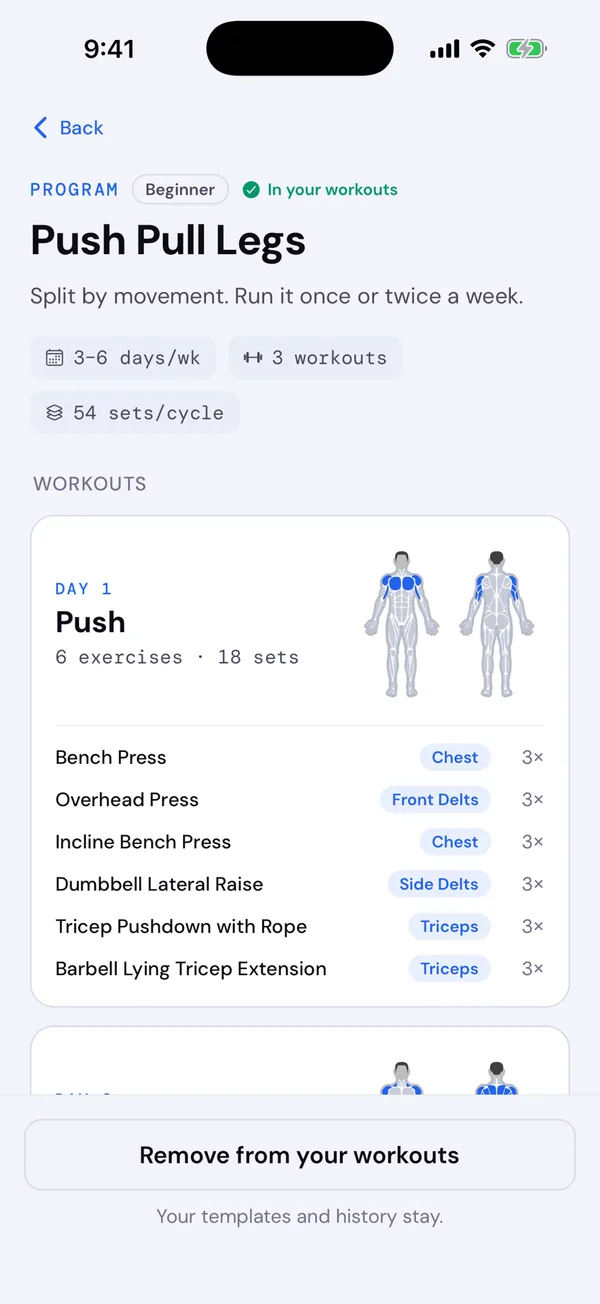
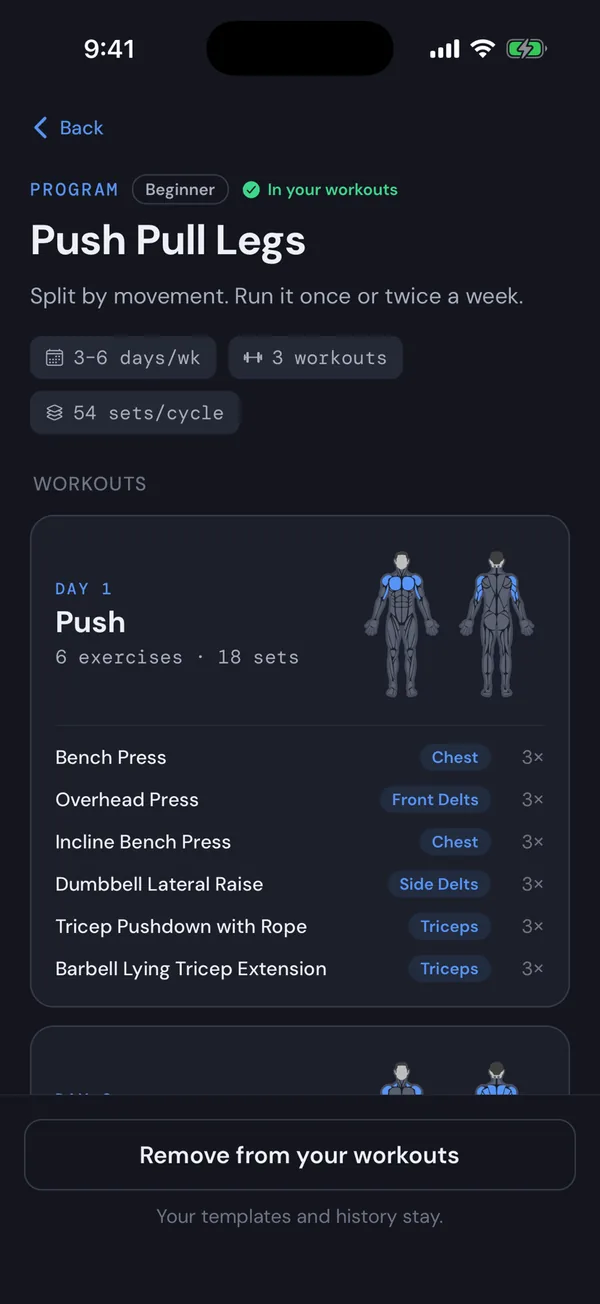
Choose, switch or remove a program
- On the Workouts tab, tap Change beside the program’s name. With no program, tap Browse programs.
- Tap a program to see every workout, its exercises and the muscles it trains. Tap a workout to try it without choosing the program.
- Tap Add to your workouts, Switch to … or Remove from your workouts.
Choose No program to train only from your own templates. Switching or removing a program never touches your templates or your history.
Make a program workout your own
Every program workout can be edited: its exercises and their order, sets, warm-ups and rests. Tap Edit on its preview, or ⋯ on its card. Or change it during a workout and choose Overwrite this template when you finish.
Your version replaces the default wherever the workout shows, marked Edited. You can’t rename a program’s workouts, add or remove days, or hide one on its own.
Go back to the default
Tap Reset on an edited workout’s preview, or Reset to default in its menu. The program page has Reset all to default for every workout at once. Your history stays as it is.
Switching to another program keeps your versions, ready if you come back.