Search
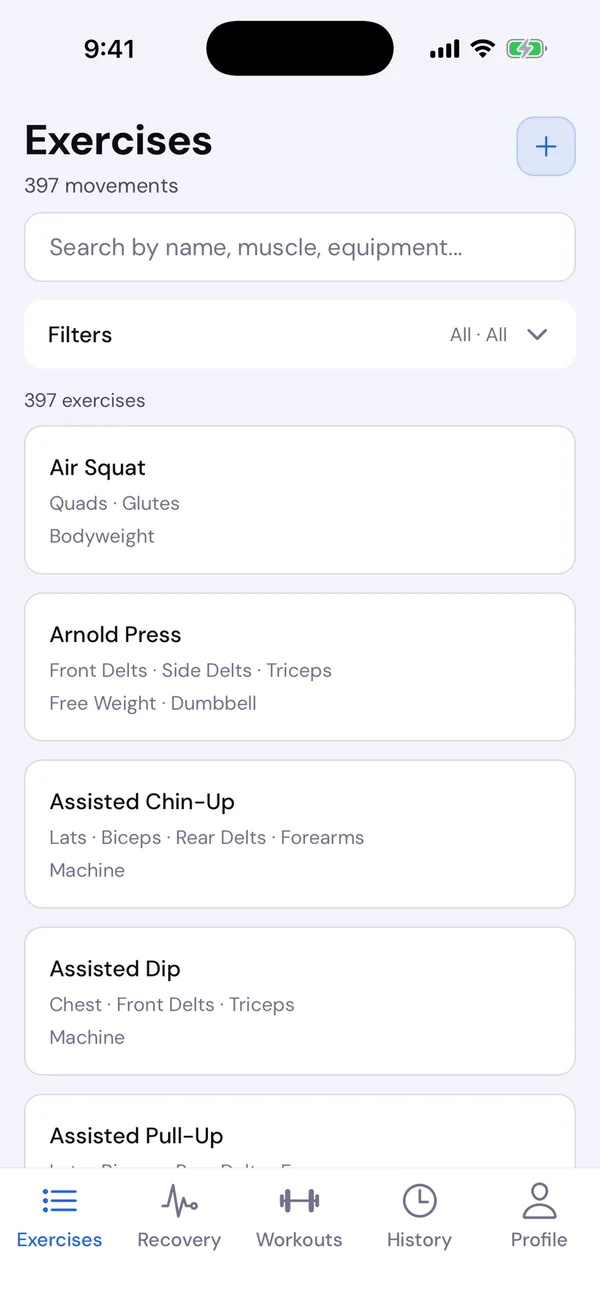
Open the Exercises tab and search by name, muscle or equipment. Search forgives small typos and knows gym shorthand: db, bb, kb, ohp and rdl.
Filters
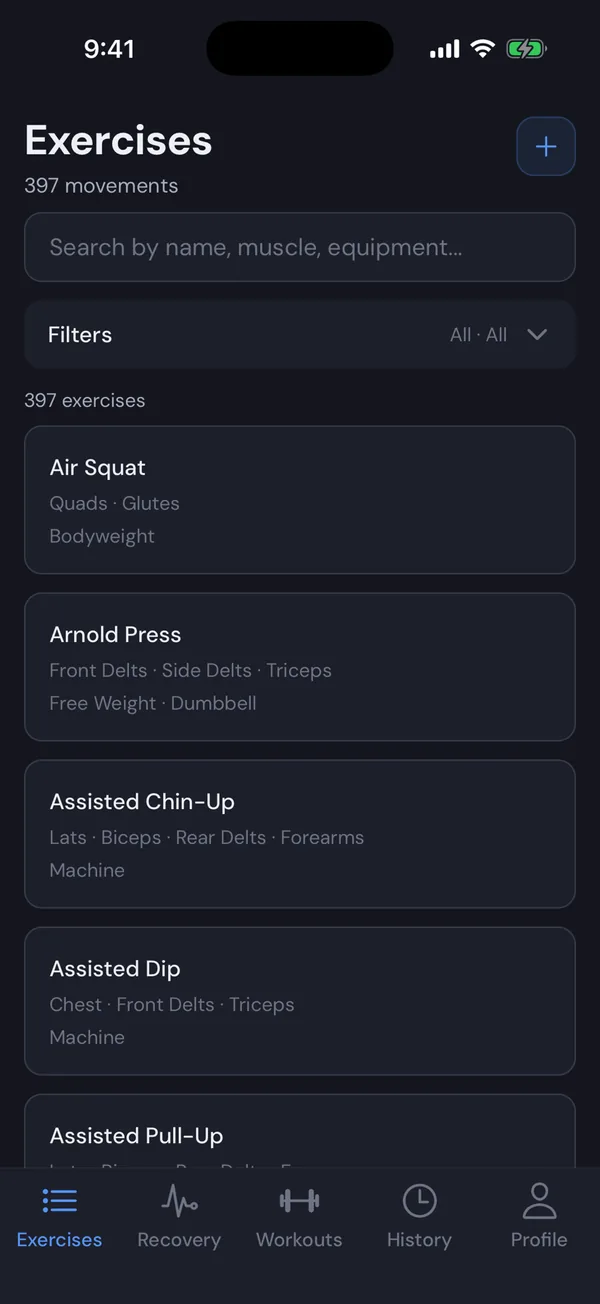
Tap Filters to narrow the list:
- Show: All, Catalog, or My exercises (the ones you made).
- Type: Free Weight, Machine, Cable, Bodyweight or Cardio.
- Muscle: a body area such as Legs, or any single muscle.
How to do an exercise
Tap an exercise for an animated demo, the muscles it works and step-by-step instructions. View history opens your progress on it, once you have logged it. The same details are on this website’s exercise pages.
Your notes
Each exercise has a note for setup cues like seat height or grip. Add it from the exercise’s details, or Edit note in a workout. It shows under the exercise every time you do it, and syncs with your account.
Add your own exercise
- Tap + on the Exercises tab, or Create “…” after searching in any exercise picker.
- Give it a name and a type. Add equipment if it uses some.
- Under Tracks, choose Reps, or Time for something you hold, like a wall sit.
- Pick the muscles it works, by body area or one by one. List the main muscle first.
- Add instructions if you like, one step per line, and save.
Your exercises are private to your account. Edit or delete one from its details. Deleting it keeps past workouts that used it intact.