What MuscleOS does
MuscleOS is a strength-training log. You pick a workout, log each set as you do it, and rest between sets with a timer. When you come back, the app shows what you lifted last time and which muscles are still recovering.
Everything else, from the recovery map to your personal records, is built from the workouts you log. Every feature is free, with no ads and nothing to buy.
Your first workout
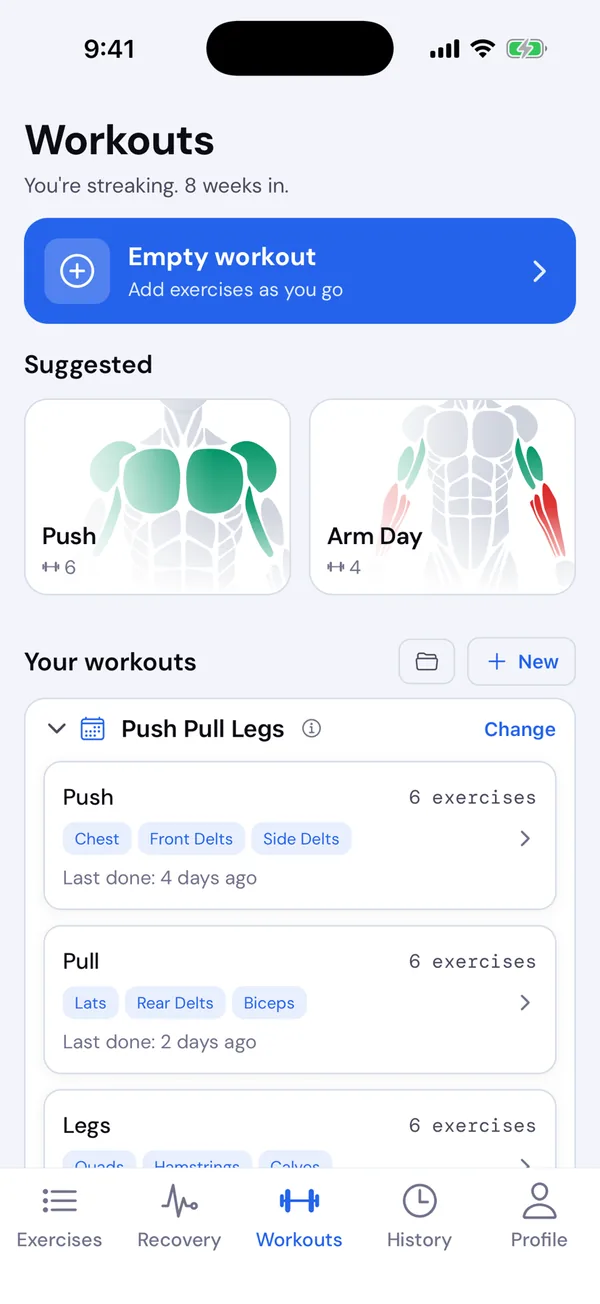
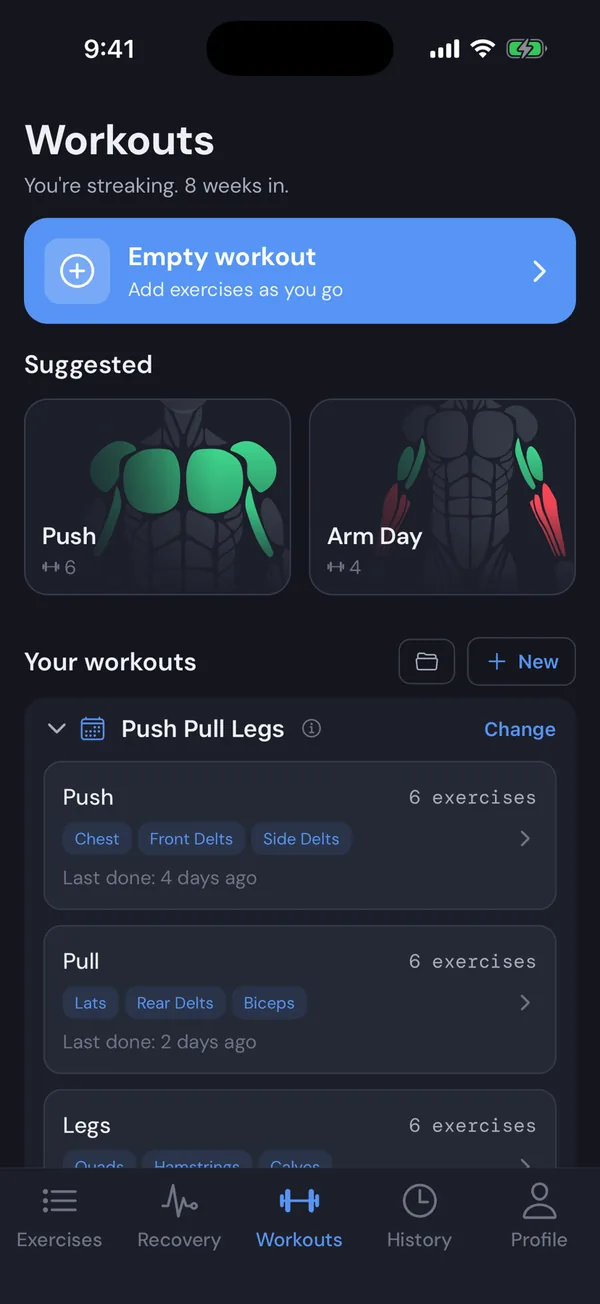
New installs start on the Strong Lifts 5×5 program, so there is a plan waiting on the Workouts tab.
- Open the Workouts tab and tap a workout under Your workouts, or one of the two Suggested cards.
- Check the exercises, sets and rest, then tap Start workout.
- Tap a weight, type it on the number pad, tap Next, type the reps and tap Done. The set turns green and the rest timer starts.
- When you have logged your sets, tap Finish and then Save values.
The five tabs
| Tab | What it is for |
|---|---|
| Workouts | Start a workout: empty, suggested, or from your templates and program. See Templates and Programs. |
| Recovery | A body map of which muscles are still recovering and when each is ready. See Recovery. |
| Exercises | Search the exercise library, read how to do each one and keep your own notes. See Exercise library. |
| History | Every finished workout, week by week, with your progress and records. See History. |
| Profile | Your account, settings and body details. See Settings. |
Pounds or kilograms
MuscleOS starts in pounds. To lift in kilograms, go to Profile → Settings → Units. Exercise weight and body weight are separate settings. See Settings.